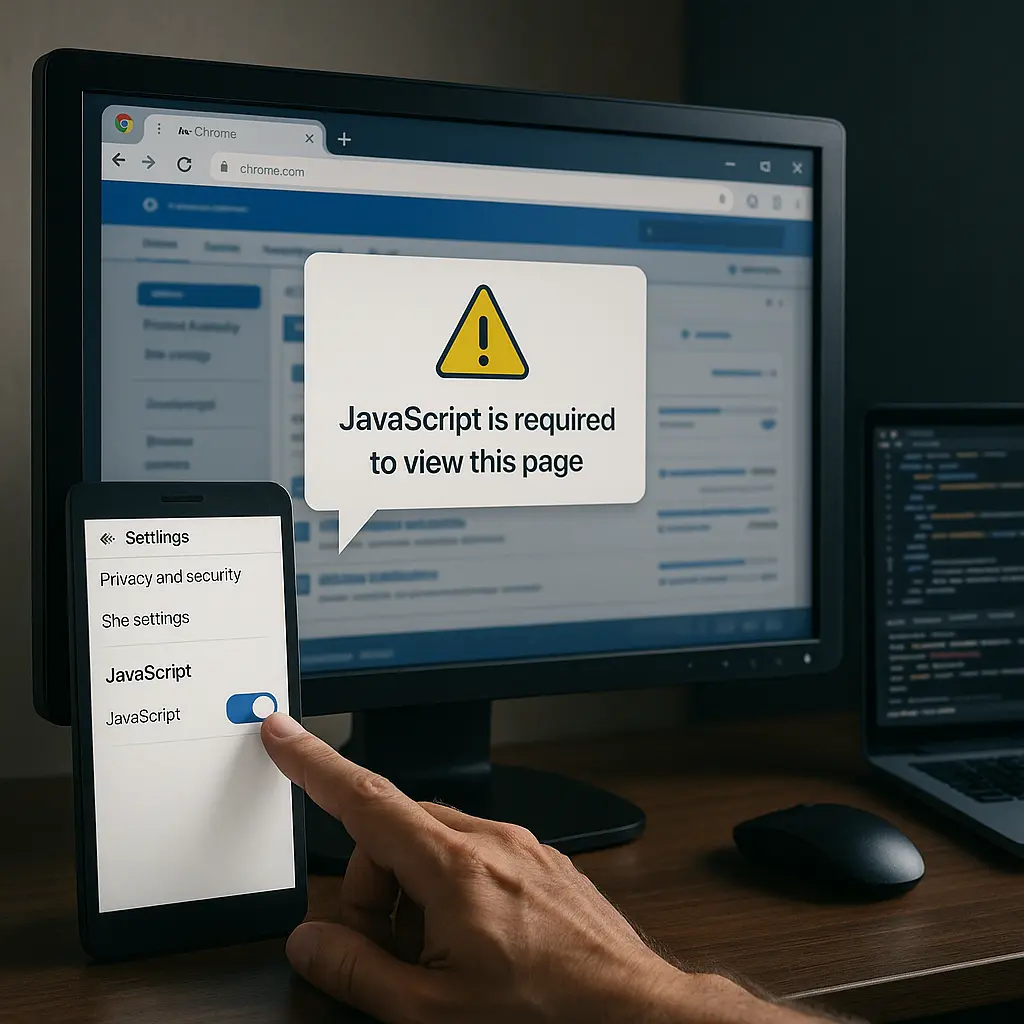


Stuck on the yard, trying to load a forum thread about winter feeding, and all you see is “This site requires JavaScript”? You’re not alone — and it’s not your device misbehaving. It’s simply how today’s web works.
Key takeaway: To use most UK equestrian forums, shop pages and training portals, you must run JavaScript in a modern, up‑to‑date browser — it’s built in, safe to enable, and essential for content to appear.
Why UK equestrian forums now require JavaScript
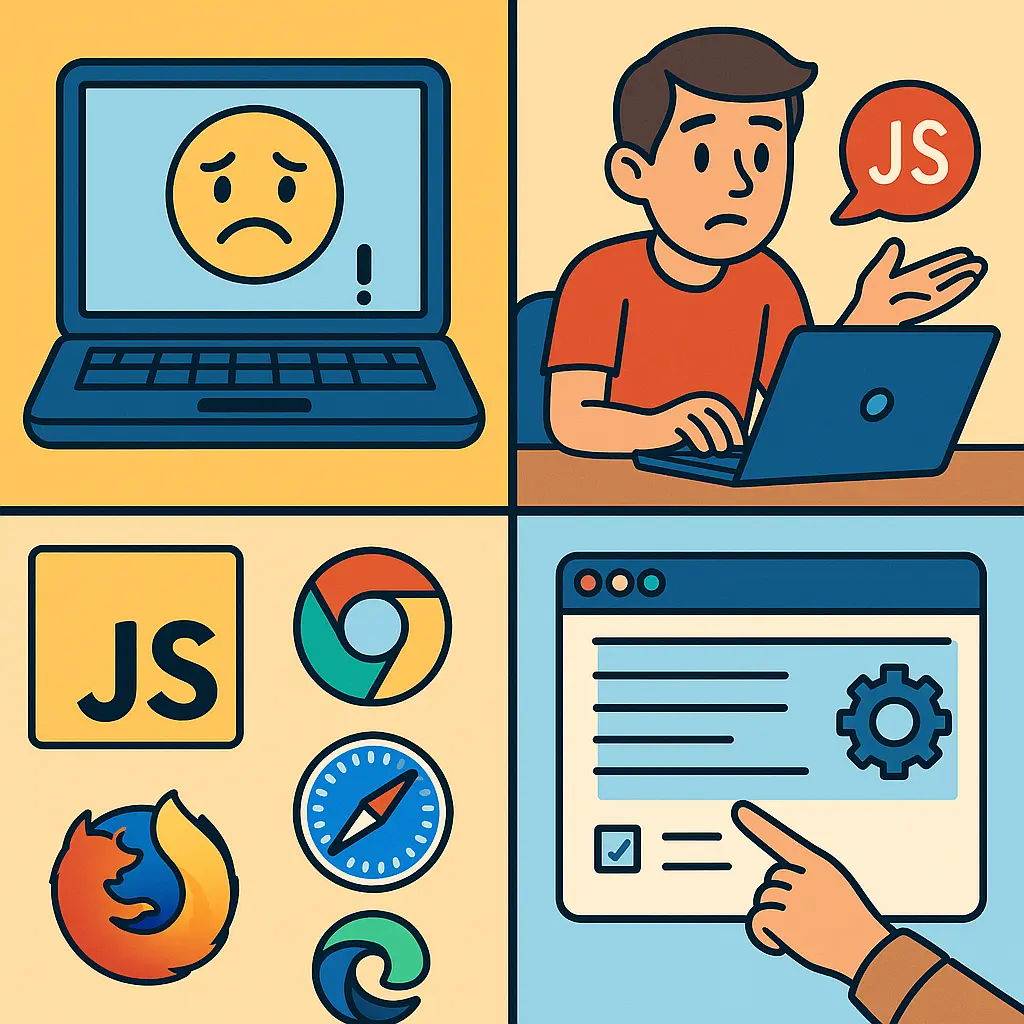
Most modern forums rely on JavaScript to display posts, handle logins, and load images; without it, pages will often appear blank or partially broken. All major browsers (Chrome, Firefox, Safari and Edge) support JavaScript out of the box, so you don’t need any plugins to use it.
Across the modern web, the vast majority of new sites (including simple blogs and news pages) now depend on JavaScript for the basics like navigation, comments, search, notifications, and secure authentication. That includes popular UK equestrian communities and resources where you read competition reports, chat about hoof care, or watch training clips. If JavaScript is disabled — or blocked by an extension — you’ll typically see “requires JavaScript” messages or missing content.
This shift isn’t unique to equestrian sites: it’s a general web trend driven by the need for responsive interfaces, live updates, and consistent behaviour across phones, tablets, and laptops.
How to enable JavaScript and test your browser
All major browsers have JavaScript turned on by default, and you can confirm or re‑enable it in settings in under a minute. You can also quickly test that JavaScript runs by opening your browser’s developer tools (F12 on Windows/Linux, Cmd+Option+I on Mac) and using the Console.
Here’s the fast route in common browsers:
- Chrome (desktop/mobile): Settings > Privacy and security > Site settings > JavaScript > Allowed.
- Safari (iPhone/iPad): Settings > Safari > Advanced > JavaScript > On.
- Safari (Mac): Safari > Settings (or Preferences) > Advanced > tick “Show Develop menu”, then ensure “Disable JavaScript” is not ticked under Develop.
- Firefox: Settings > Privacy & Security; most setups allow JS by default. If using strict privacy modes or add‑ons, ensure site scripts aren’t blocked.
- Edge: Settings > Cookies and site permissions > JavaScript > Allowed.
Quick tip: To confirm JavaScript runs, open the developer tools Console and type a simple command like alert("JS on"); then press Enter. If a small pop‑up appears, JavaScript is working. If not, revisit your settings or check for blocking extensions.
Fixing ‘This site requires JavaScript’ errors quickly
Update your browser, disable script‑blocking extensions, clear site data, and try a private window; those four steps solve the vast majority of “requires JavaScript” errors. If you use a privacy‑centric browser with JavaScript off by default, temporarily enable it for the site you trust.
Use this quick, reliable checklist:
- Update your browser: Install the latest Chrome, Firefox, Safari, or Edge. Old versions can break modern forum features.
- Temporarily disable extensions: Ad blockers, privacy filters, or script managers (e.g., NoScript) can block essential forum code. Pause them for the affected site and refresh.
- Clear site data: Remove cookies and cached files just for that domain. This fixes stuck logins and half‑loaded pages.
- Try a private/incognito window: This loads the site with a clean slate, often bypassing extension conflicts.
- Test another browser or device: If your phone loads the forum but your yard PC doesn’t, the issue is local to the PC (often an outdated browser or extension).
- Check network rules: Yard or office firewalls can block content delivery networks (CDNs) that forums use. Try a different connection (e.g., mobile data) to isolate the cause.
Older browsers also lack support for advanced features such as HTML5 desktop notifications (like you might see for new messages) and drag‑and‑drop uploads (handy for posting yard photos). Keeping your browser current restores these capabilities along with improved security.

Why even simple blogs and shop pages use JavaScript
Most new websites — even blogs and news pages — rely on JavaScript for navigation, search, comments, and secure logins, so static HTML alone rarely covers today’s needs. That’s why you’ll find JavaScript powering everything from your favourite equestrian forum threads to checkout pages.
For many sites, shipping the JavaScript with the page is the most robust route to ensure features work across devices and networks. As one developer succinctly put it on Hacker News:
“Just sending the scripts with the site is still far, far simpler, and guaranteed to work (provided the user hasn’t turned off JS.)” — “krapp” on Hacker News
JavaScript also unifies development across browsers, servers (Node.js), and even desktop wrappers; that consistency means your forum experience can be fast and feature‑rich whether you’re on a phone at a showground or a laptop at home planning your season.
Quick tip: If a site gives you the option to “use the lightweight version,” try it when your signal is weak. It’s still JavaScript‑powered, but often reduces heavy imagery and background scripts.
Make your barn tech‑ready: devices and data that cope with modern sites
A current smartphone or tablet running Chrome, Safari, Firefox, or Edge on a stable 4G/5G connection will handle equestrian forums smoothly. Keeping your OS and browser up to date prevents most compatibility issues and improves battery life and security.
Practical steps that make life easier on the yard:
- Keep one primary browser: Fewer conflicting extensions, predictable results, faster troubleshooting.
- Update monthly: New versions bring performance boosts and fix broken features on forums and shop pages.
- Favour strong signal: If Wi‑Fi is patchy in the stable block, switch to mobile data for reliable page loads.
- Save pages for offline reading: Many browsers let you save articles (e.g., farriery tips or BHS guidance) to read later in poor signal areas.
- Use a protective case and screen protector: Yard life is tough on devices; a small investment prevents costly downtime when you most need advice.
At Just Horse Riders, we want your horse comfortable while you deep‑dive into training ideas or veterinary guidance online. If you’re researching winter management at the field, keep your horse cosy with a well‑fitted rug; our range of durable turnout rugs for UK winters includes trusted options from leading brands like WeatherBeeta.
Quick tip: Heavy pages with lots of images and adverts use more data than simple text threads. If you’re on a tight plan, browse on Wi‑Fi at the yard office or lorry when possible.
Privacy, safety and UK law: what you should know
UK platforms must follow the Online Safety Act 2023, and many of the tools that keep users safe — reporting, content filters, and account controls — are delivered via JavaScript. If you disable JavaScript, you may hide or break these safety features.
When you enable JavaScript on reputable sites, you typically gain access to essential controls such as reporting posts, blocking users, muting threads, and managing notifications for replies to your training or welfare questions. That visibility matters in busy equestrian communities, especially when you’re seeking accurate advice, moderation, and a helpful tone.
If you’re curious about the legal backdrop, you can read the Online Safety Act on legislation.gov.uk. While national bodies such as the British Horse Society (BHS) and British Equestrian share authoritative guidance on training, welfare, and competition, accessing and interacting with that material increasingly relies on JavaScript‑enabled platforms for sign‑in, comments, and multimedia.
Quick tip: If a forum or training portal offers two‑factor authentication (2FA), switch it on. It’s a security feature that typically relies on JavaScript — and it’s well worth it to keep your account safe.
Recommended kit for connected equestrians
The right yard gear keeps you focused on your horse while you use online resources for training, health, and shopping. Good clothing and safety kit mean you can nip out to the arena, check a video or forum reply on your phone, and get straight back to schooling.
- Be seen on hacks while you follow a mapped route on your phone: browse our rider‑approved hi‑vis and reflective gear.
- Stay safe when reviewing training clips in the arena between exercises: prioritise a certified fit with our curated riding helmets.
- Stay comfortable at clinics and competitions where you rely on live scoring and event updates: choose supportive women’s jodhpurs and breeches that move with you.
- Protect your horse’s legs while you film and review transitions or jump efforts: explore proven horse boots and bandages.
- Researching winter management on the yard? Keep your horse warm and dry with robust winter turnout rugs, including options from WeatherBeeta built for UK weather.
Quick tip: If you store rugs or boots near charging points in the tack room, use tidy hooks and labelled bins so you can grab what you need, check that forum post, and get back to riding without hunting for kit.
The bottom line
Enable JavaScript, keep your browser up to date, and you’ll regain full access to UK equestrian forums, shop pages, training portals and community tools. If something still won’t load, work through the quick checklist above — update, disable blockers, clear site data, try private mode — and you’ll fix most issues in minutes.
While you’re there, make your yard routine smoother with reliable safety kit and comfortable clothing, so you can tap into online expertise and get straight back to giving your horse the best care.
FAQs
Here are concise answers to the most common JavaScript and forum access questions UK riders ask.
Why do forums refuse to load when JavaScript is off?
Most modern sites rely on JavaScript to assemble the page you see — loading posts, images, and buttons dynamically. With JS off, the site often can’t display content or process logins at all.
Do all browsers on my devices support JavaScript?
Yes. Chrome, Firefox, Safari and Edge include JavaScript support by default across Windows, macOS, iOS and Android. If something breaks, it’s usually due to an outdated browser or a blocking extension.
How do I tell if an extension or ad blocker is the problem?
Open a private/incognito window (extensions are often disabled there) and reload the page. If it works, turn off extensions one by one in your normal window until the site loads properly again.
Why does the forum work on my phone but not the yard computer?
Your phone likely runs a newer browser. Yard or office PCs often have older versions or stricter filters that block scripts. Update the desktop browser and try again, or use your phone’s connection when you need a quick answer.
Will enabling JavaScript slow down my browsing or use more data?
JavaScript adds interactivity and can load extra assets, so data use depends on the page design. Keeping your browser updated and using “lite” or mobile versions helps keep things fast and data‑friendly.
What’s the fastest fix if I see “This site requires JavaScript”?
Do four things: update your browser, temporarily disable ad/script blockers, clear cookies and cache for the site, and try a private window. This resolves most cases quickly.
Is enabling JavaScript safe for equestrian sites I trust?
Yes. Reputable sites use JavaScript to deliver core features and safety controls. Only enable it for sites you trust, and keep your browser updated for the best security.