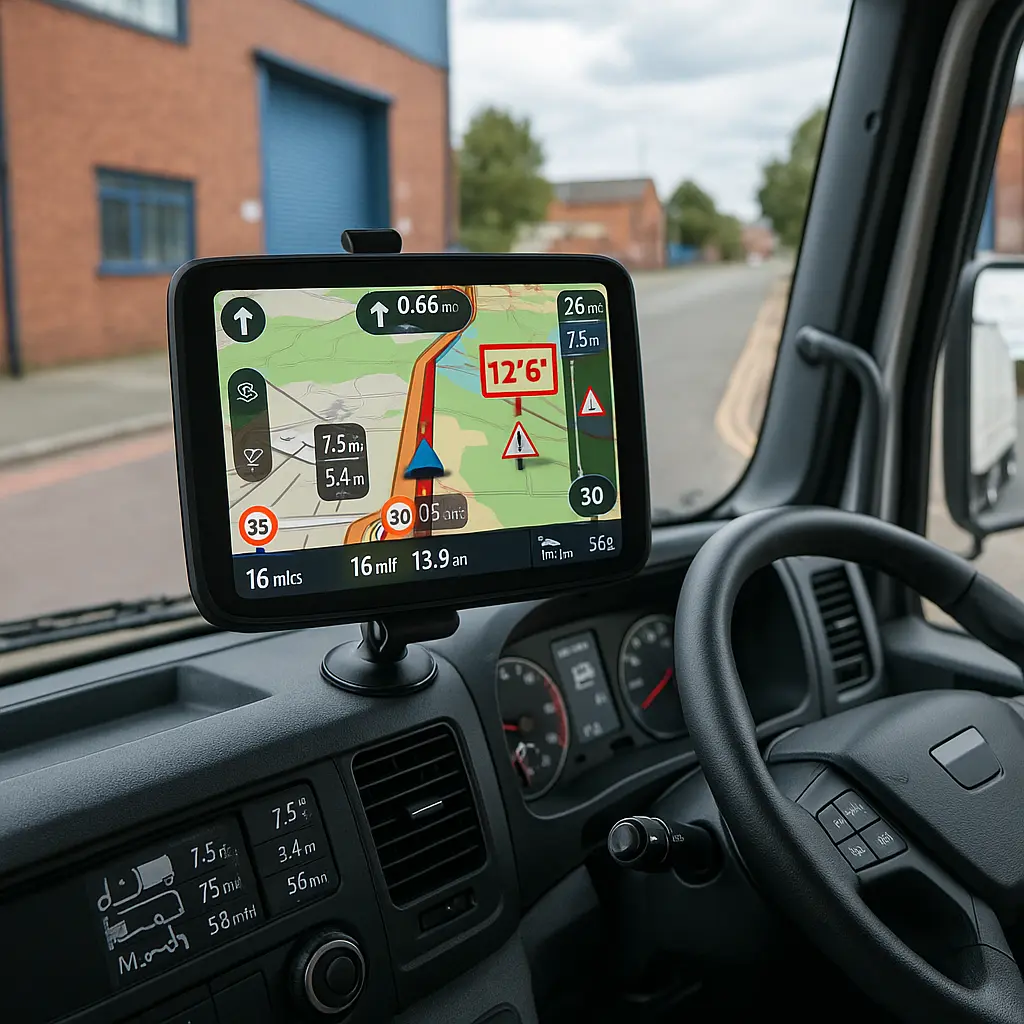

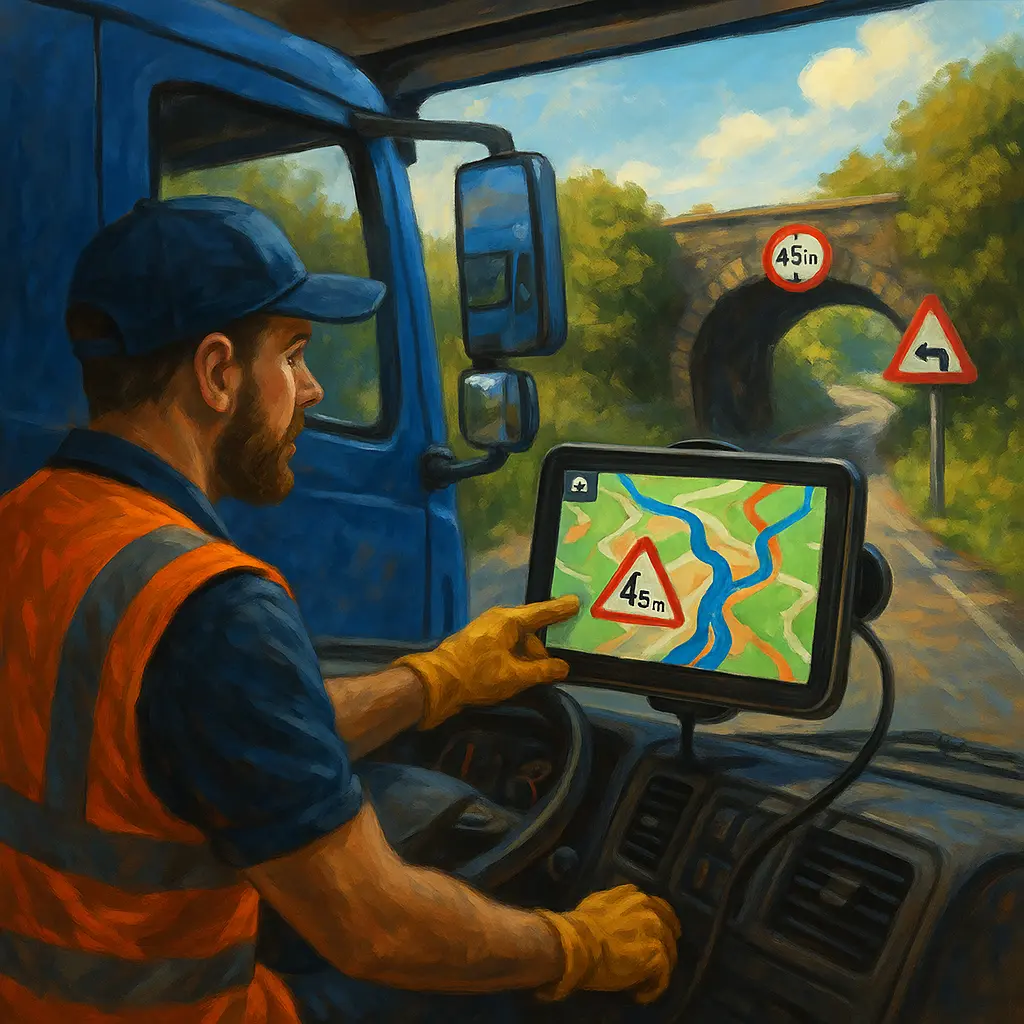
Turning a 7.5‑tonne horsebox down a hedge-lined lane only to meet a 3.1m bridge is the sort of stress none of us need on show day. The right truck sat nav prevents that, guiding you on safe, legal routes that match your lorry’s height, weight and load.
Key takeaway: For UK horseboxes, use a truck-specific sat nav (or HGV app) with live traffic and full vehicle profiling — never a standard car sat nav.
Do you need a truck-specific sat nav for a 7.5‑tonne horsebox?
Yes — HGV navigation is designed around your lorry’s height, weight, width, max speed and load to avoid low bridges, weight limits and unsuitable roads. Standard car sat navs and generic phone apps cannot do this safely in the UK.
Dedicated truck units from TomTom and Garmin use your vehicle profile to create legal, practical routes, factoring in bridge heights, weight restrictions and sharp turns typical of rural Britain. TomTom’s UK truck GPS range specifically lists “vehicle dimensions, weight, max speed and cargo type” along with low-bridge alerts and TomTom Traffic as core features (TomTom Truck GPS). UK driver forums repeatedly stress that live traffic and proper HGV routing are essential to avoid dead ends and last‑minute reversals on narrow lanes (Trucknet UK).
Quick tip: If you’ve ever arrived at a rural yard and the “shortest” route tried to push you under a 3.2m bridge, you’ve experienced why HGV-specific data matters. A 7.5‑tonne horsebox typically stands 3.3–3.6m; guessing is not an option.
Which sat navs are best for UK horseboxes right now?
TomTom GO Expert Plus and Garmin dēzl OTR models are the leading options for UK truck routing; both support full vehicle profiling and live traffic, with Garmin’s dēzl OTR800 praised for overall navigation accuracy.
For a self-drive 7.5‑tonne horsebox or small professional yard, these are the standouts:
- TomTom GO Expert Plus — Professional GPS for truck, HGV, lorry and van use with tailored routing and Wi‑Fi map updates (TomTom Truck GPS).
- Garmin dēzl OTR800 — Highlighted as “best overall” for navigation accuracy in 2025 comparison testing (Drivers 1st).
- Garmin dēzl OTR1000 — A 10‑inch display suited to fleet use and larger dashboards (Drivers 1st).
- Snooper truck sat navs — An established UK option often appearing in comparison lists; check preloaded truck databases before purchase (ActiveGPS comparison).
UK hauliers consistently point out that the differences between brands matter most when a device suggests an illegal turn or unsuitable road (TransportForum). In independent roundups, Garmin continues to lead in routing precision, while TomTom’s UK marketing leans hard on professional truck features and live traffic. Both are used widely by UK HGV drivers — pick the ecosystem you’ll keep updated and actually use.
“TomTom GO Expert Plus tailors each route to your vehicle’s dimensions, weight, max speed and cargo type.” — TomTom
“Garmin continues to lead in routing precision,” with the dēzl OTR800 “best overall” for navigation accuracy. — Drivers 1st
Are smartphone apps a safe alternative?
Yes, but only if the app provides proper HGV routing with full vehicle dimensions and restrictions; standard Google Maps or Apple Maps are not suitable on their own for a 7.5‑tonne lorry.
Apps like Sygic Truck and PTV Navigator are built for commercial vehicles. According to a UK HGV sat nav apps guide, Sygic can route by vehicle size, emissions standards, load type, number of trailers and HAZMAT settings, while PTV Navigator is designed for hauliers with parking assist and real‑time routing based on vehicle dimensions (MHF Trucks). If you rely on a phone, ensure it’s securely mounted, continuously powered, and that you have robust mobile data for live traffic and map updates.
Pro tip: Use a high‑quality mount at eye level and a fast charger. An overheating phone sliding down the dash while you reverse into a showground is asking for trouble.
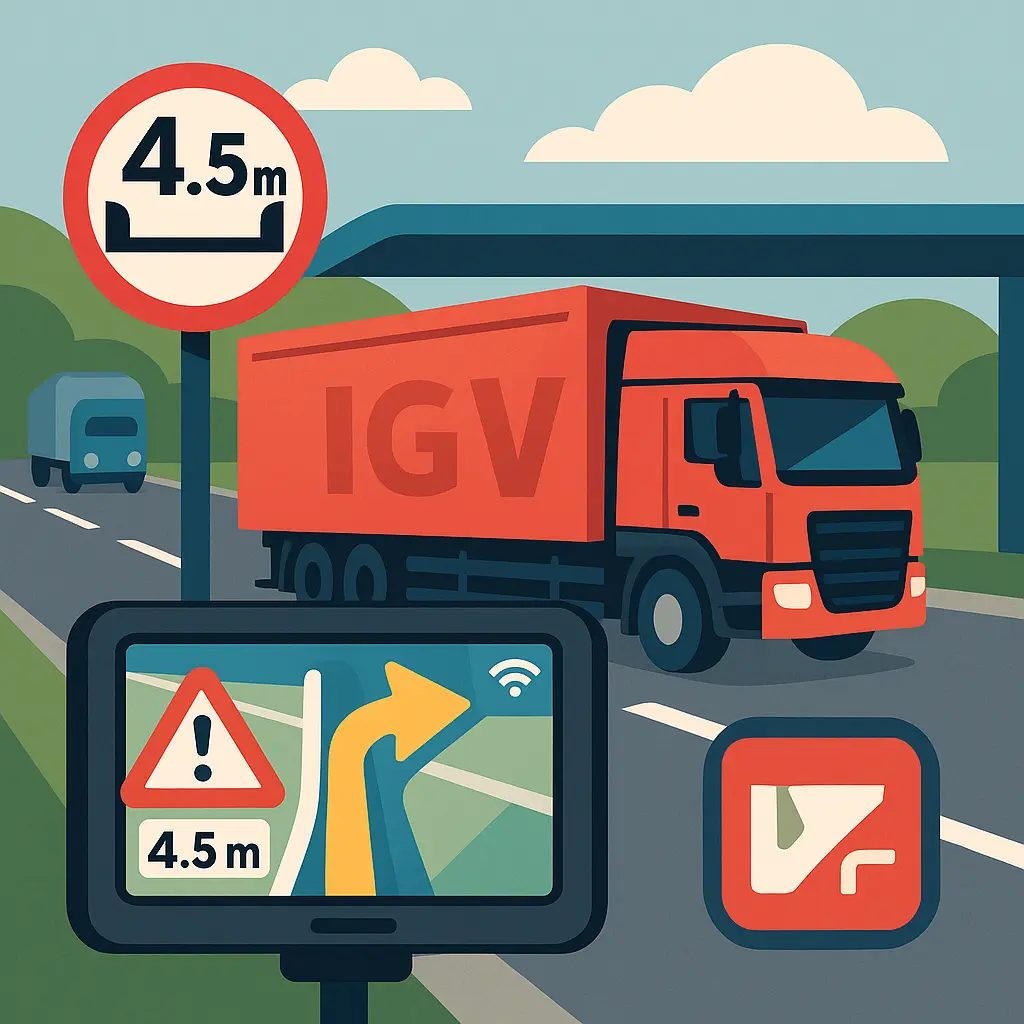
What features actually keep you away from low bridges and narrow lanes?
The non‑negotiables are full vehicle profiling, live traffic, a current UK bridge‑height and road‑restriction database, and frequent map updates via Wi‑Fi or app store.
Here’s what to prioritise for UK horsebox routes:
- Vehicle profile inputs — Height, width, length, gross weight (7.5t), axle configuration, trailer use, max speed and cargo type. This is how TomTom’s GO Expert Plus and Garmin dēzl models generate suitable routes (TomTom; Drivers 1st).
- Live traffic — UK conditions change quickly; incidents and roadworks can turn the “shortest” route into a nightmare. UK truck comparison sources emphasise paying for live traffic to avoid diversions into unsuitable roads (Trucknet UK; TransportForum).
- Bridge‑height and restriction alerts — Explicitly listed by TomTom and highlighted across UK guides for avoiding low bridges and tight bends (TomTom; MHF Trucks).
- Regular UK map and POI updates — Wi‑Fi updating keeps data fresh, especially vital after winter storms, flooding or new restrictions.
- “Last mile” suitability — Yards and showgrounds often sit off minor roads; accurate final‑approach guidance prevents awkward reversals.
UK‑specific note: Rural lanes, stone bridges and village pinch points mean a few extra inches in your profile can change the route. If you fit different horses, kit or trailers, update the sat nav before you roll.
How to set up your sat nav for a loaded 7.5t horsebox
Enter a complete, accurate vehicle profile before every journey and recheck it if your load, trailer or dimensions change; this is the single best defence against unsuitable routing.
Use this quick setup each time you leave the yard or a show:
- Confirm vehicle class: Truck/HGV, not car or van.
- Input dimensions: Height, width, length (measure your real-world rig, not the brochure).
- Weight: 7.5t gross vehicle weight; include trailer if used.
- Axle configuration: Add steer/drive axles as requested by the device.
- Trailer: Toggle on and set length if towing.
- Max speed and any emissions or load restrictions your device/app supports (some apps like Sygic allow emissions zone settings) (MHF Trucks).
- Cargo type: If supported, select “livestock” or “hazardous” equivalents to enforce stricter routing.
- Enable live traffic and automatic rerouting.
- Check map updates via Wi‑Fi before setting off; don’t rely on month‑old data.
Pro tip: Plan your arrival window to avoid school-run pinch points in villages and to keep horses cooler on summer afternoons. Live traffic helps you time this without detouring onto unsuitable “rat runs”.
Horse comfort on arrival also matters. Fit travel boots or bandages for the journey to protect legs if the route involves frequent stops or tight turns; you can find suitable options in our curated horse travel boots and bandages collection. If you’re staying overnight at a venue, pack an appropriate stable rug for the forecast — British nights can drop quickly even in spring.
What will it cost — device vs subscriptions?
Expect to budget for both the device (or app licence) and ongoing live-traffic/map updates; UK drivers frequently report that paying monthly or yearly for live traffic is worth it to avoid costly delays and diversions.
UK comparison sites and forum users recommend checking whether a device includes lifetime traffic or requires a subscription, and comparing the quality of preloaded truck databases before you buy (ActiveGPS comparison; TransportForum). Some buyers prefer models with traffic “for the life of the device,” while others are happy to pay annually for superior live data.
Pro tip: Add up 3 years of ownership — device price + subscription + a robust phone data plan if you use an app. Choose the option that keeps traffic and maps fully updated with minimal friction, because “set and forget” quickly leads to outdated routing.
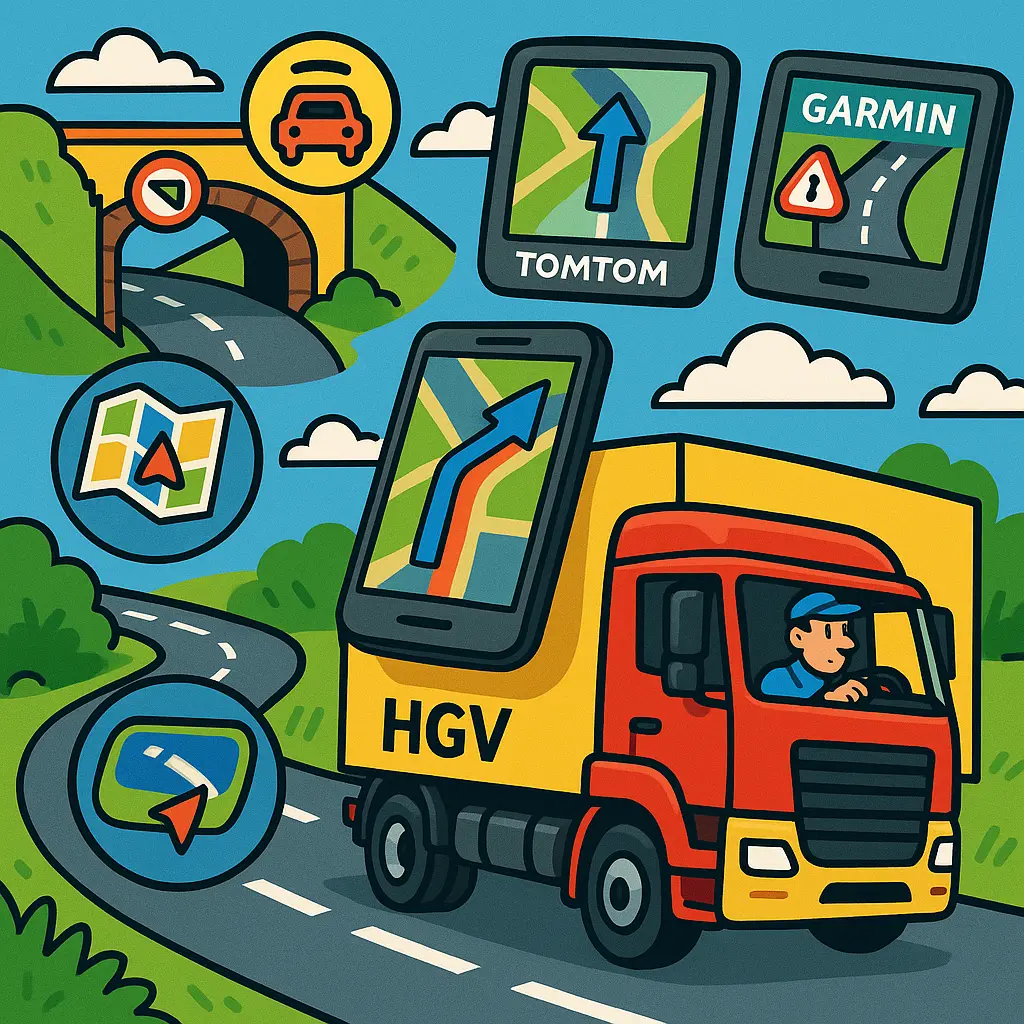
Essential cab kit for safer navigation to shows
A truck sat nav does the routing; the right cab kit makes it safe and stress‑free to follow. Build a small “navigation kit” and keep it with your show paperwork.
- Secure phone mount and high‑output charger — Essential if you use an app or need live traffic tethering. Position it high enough to keep eyes on the road.
- Dash cam — Useful for recording incidents and supporting insurance claims around showgrounds and on A‑roads.
- Hi‑vis for roadside stops — If you must check the horses or deal with an issue on the hard shoulder or a layby, visibility matters. See our rider‑ready hi‑vis collection.
- Show-day kit prepped — Keep competition wear to hand to avoid rummaging on arrival. Our curated women’s competition clothing selection covers jackets, shirts and show essentials.
- Grooming for quick turnout — A finishing brush and quarter-marking spray in the cab saves time. Top up from our grooming essentials.
- Rewards for calm travelling — A few horse-safe treats can help reward quiet unloading at busy venues. Stock up from our horse treats.
At Just Horse Riders, we recommend keeping a printed route plan with the venue’s HGV entrance (many showgrounds have a separate gate), plus a backup sat nav option. If the main unit fails, your phone app can take over — provided it’s truck‑capable and properly mounted.
FAQs
Is a phone app good enough for a 7.5‑tonne lorry?
Sometimes — but only if it offers proper truck routing with full vehicle dimensions and restrictions. A UK guide confirms that standard apps like Google Maps or Apple Maps are not suitable on their own for HGV routing (MHF Trucks).
Which is better for truck drivers, TomTom or Garmin?
Both are widely used in the UK. TomTom’s GO Expert Plus is built for professional HGV routing with live traffic, and Garmin’s dēzl OTR800 is praised for overall navigation accuracy in 2025 testing (TomTom; Drivers 1st). Choose the ecosystem you’ll keep updated.
Do I need live traffic on a truck sat nav?
Yes — live traffic is strongly recommended in the UK, where incidents and roadworks can force reroutes. UK truck comparison sources and driver forums call it essential for time and safety (Trucknet UK).
Can a truck sat nav help avoid low bridges?
Yes — that’s one of the main reasons to choose a truck-specific device. TomTom lists bridge-height alerts, and UK guides emphasise avoiding low bridges and tight bends with HGV routing (TomTom; MHF Trucks).
Are subscription costs worth it?
Often yes, if they include reliable live traffic and frequent map updates. UK users frequently cite live traffic as a key buying factor and are willing to pay monthly or yearly for it (Trucknet UK; TransportForum).
What should I do before setting off from a showground?
Recheck your vehicle profile (height, weight, trailer on/off), confirm live traffic is enabled, and verify the route hasn’t switched to a car profile. If you’re late leaving and roads are closed, let the sat nav reroute — don’t follow “shortcuts” down narrow lanes.
What should I avoid?
Avoid standard car sat navs, guessing your route, or using a phone app without truck dimensions and restriction data. These are common causes of low-bridge strikes and awkward reversals in rural UK lanes (MHF Trucks).
Final quick check for your next outing: set your truck profile, enable live traffic, update maps, pack your travel boots from our horse boots & bandages, add roadside hi‑vis, and keep show turnout sorted with grooming staples. Arrive calm, safe and ready to compete.