
Want instant eyes on your stables without Wi‑Fi? A 4G Reolink camera and the right SIM plan can give you dependable, year‑round monitoring across the yard — even in the depths of a British winter.
Key takeaway: Budget 1–4GB of data per camera each month for typical yard checks, use a nano data‑only SIM (one per camera), and switch to sub‑stream when live viewing to cut data by up to 10x.
How much data do Reolink 4G cameras use?
Reolink 4G cameras typically use 1–4GB per month in standard stable monitoring, depending mainly on how often you live view and at what resolution. Live HD viewing uses around 150–250MB per 10 minutes and up to 1.5GB for an hour of continuous streaming, while local SD recording uses no SIM data at all. That means your usage hinges on how often you check in and whether you use the main stream (clear mode) or the lower‑bitrate sub‑stream (smooth mode).
As a practical rule of thumb from Reolink/EIOTCLUB testing: on Reolink Go/Go PT, 1GB of data gets you about 1 hour of main‑stream viewing or 10 hours of sub‑stream viewing. On the higher‑resolution Go Plus/Go Ultra, 1GB covers roughly 45 minutes of main‑stream viewing or about 3.5 hours in sub‑stream. For many UK yards using the popular Reolink Go PT Plus, around 2GB per month is usually sufficient for “normal” use — i.e. a few quick night checks and occasional clip retrieval (EIOTCLUB data guide; Reolink Support).
Crucially, Reolink only uses data when you actively stream, upload to the cloud, or retrieve clips. Continuous local recording to a microSD card is offline and doesn’t touch your SIM allowance. If you like to keep an eye on a restless horse overnight, switch to sub‑stream: those 10‑minute spot checks will cost roughly 15–20MB each instead of 150–250MB in HD.
The right UK SIM card for stable cameras
Use a nano, data‑only prepaid SIM from EE, O2, Three or Vodafone that supports LTE bands B1/B3/B7/B8/B20; avoid contract SIMs and device‑locked cards. Each Reolink 4G camera takes one nano SIM and cannot share a card with another device (Reolink Support).
Reolink’s own guidance is clear:
“Choose a SIM card without carrier limitations to ensure seamless connectivity. Avoid contract SIM cards, as these often come with restrictions that may prevent the card from being used with certain devices, including your Reolink camera.” — Reolink Support Team
Most UK operators — EE, O2, Three and Vodafone — are compatible with Reolink’s required LTE FDD bands (B1/B3/B7/B8/B20). Note that Vodafone’s V‑SIM (a once‑popular M2M option) has been discontinued in the UK, so if you previously relied on it, EE has been a robust alternative for many yards (Reolink Community).
Before purchasing, check the Reolink product page for your camera and choose “United Kingdom” to see confirmed carriers. If your exact area isn’t listed, Reolink’s support team can advise on the best local option (Reolink Support).
How to size your data plan (with quick yard examples)
For occasional night checks, a 2–4GB/month prepaid plan per camera is usually enough; for frequent live viewing, budget 6–10GB. The difference comes down to how often and how long you stream, plus whether you use main‑stream HD or the lower‑bitrate sub‑stream.
Use these quick calculations to right‑size your allowance:
- Light checks in sub‑stream: 10 minutes ≈ ~17MB (because 1GB ≈ 10 hours). Three checks per night = ~50MB/day or ~1.5GB/month. A 2GB plan gives comfortable headroom.
- Light checks in main‑stream: 10 minutes ≈ ~167MB (because 1GB ≈ 1 hour). Three checks per night = ~0.5GB/day or ~15GB/month — costly. Switch to sub‑stream for routine checks.
- Event alert reviews: Grabbing a few 30–60s clips per day adds only tens of MB monthly. Set smart PIR sensitivity/schedules to avoid false alerts.
Price benchmarks to guide your budget: EE’s 120GB, 12‑month data pack sits around £60/year (community reports), while EIOTCLUB’s 5‑year “unlimited” 4G plan bundled with a free Reolink Go PT Plus, solar panel and pre‑installed SIM is about £399 total (roughly £7/month over five years) (Horse & Hound Forum; EIOTCLUB bundle review).
Quick tip: Doing late checks around the yard? Keep yourself safe and seen with hi‑vis layers for riders and wear supportive, waterproof yard and riding boots when you’re back and forth to the stables in the dark.
For more detail on data maths across Reolink models, EIOTCLUB’s deep dive is a handy reference (EIOTCLUB data guide).
Set‑up essentials: APN, testing and saving data
Enter your carrier’s APN manually (with no extra spaces), and test your camera with a spare or temporary nano SIM before committing to a long plan. Correct APN entry is critical; some UK operators will reject the attach if you include trailing spaces or typos.
Reolink’s community moderators summarise it neatly:
“Any data SIM should be fine as long as you add the APN. As a test you can insert your smartphone SIM (nano). Make sure you type it correctly with no spaces as some operators will reject the IMSI attach.” — Reolink Community Moderators
Follow this quick set‑up checklist to avoid the common pitfalls:
- Confirm SIM size: nano only.
- Check local coverage and LTE bands: B1/B3/B7/B8/B20 are needed; EE, O2, Three and Vodafone all support these in the UK.
- Manually add the APN in the Reolink app; enter exactly as provided by your carrier (no trailing spaces).
- Update your camera firmware via the app before installation.
- Insert a high‑quality microSD card (up to 128GB on Go PT Plus) for continuous local recording without data use.
- Set PIR sensitivity and notification schedules to reduce false alerts and streaming temptations.
- Default routine checks to sub‑stream; switch to main‑stream only when you need to zoom in on detail.
Pro tip: Local SD recording uses zero SIM data. If anything worries you overnight, review the clip from the SD card later in the app rather than staying in live view (Reolink Support).
Multi‑camera yards: budgeting and billing
Each Reolink 4G camera requires its own SIM, so plan one data plan per unit and look for multi‑SIM or family accounts to simplify billing. You can’t share a single SIM between cameras (Reolink Support).
Use this framework to estimate costs for a livery yard or stud:
- Per‑camera allowance: 2GB/month for occasional checks; 4–6GB/month for moderate to frequent monitoring.
- Total monthly data: multiply per‑camera allowance by the number of units (e.g., 8 cameras x 2GB = 16GB/month combined).
- Billing: Some UK carriers let you manage multiple data‑only SIMs under one account, sometimes with shared or pooled data. If not, IoT providers like EIOTCLUB offer per‑camera long‑term bundles that may pencil out over five years.
Cost examples to benchmark: A yard with four Reolink Go PT Plus cameras on 2GB plans would need ~8GB/month across accounts. Using EE’s 120GB annual option at ~£60/year per SIM (where available) gives plenty of headroom, while an all‑in EIOTCLUB bundle at £399 per camera includes the device, solar panel and long‑term data for those who want a “set and forget” package (Horse & Hound Forum; EIOTCLUB bundle review).
Operational tip: Put routine overnight patrolling in sub‑stream and keep motion zones tight to doors, hay areas and foaling stalls. That way you’ll save data while still catching what matters.
Powering through UK winters: solar, battery and storage
Pair your 4G camera with its solar panel, and rely on the internal battery and a large microSD card to bridge the short, dim days of November–February. In winter, you’ll get less solar input, so it pays to reduce live viewing and lean on local recording.
At Just Horse Riders, we recommend installing the panel where it gets maximum midday sun (even in winter), keeping it clean of dust and cobwebs, and using a high‑endurance microSD card up to 128GB for the Go PT Plus. That capacity lets you record locally for days, then review clips without burning through your data allowance.
Quick tip: When you’re on winter night checks, you’ll be warmer and quicker if your horses are already comfortable. If you’re turning out, make sure they’re in the right weight of rug for the weather; our selection of turnout rugs handles everything from cold snaps to wet and windy spells, while stable rugs keep them cosy when they come back in.
Finally, remember that rewiring stables or running mains to every barn isn’t always practical on UK yards. A solar‑powered 4G Reolink set‑up gives you continuous coverage without depending on fixed broadband — precisely what many rural and livery yards need.
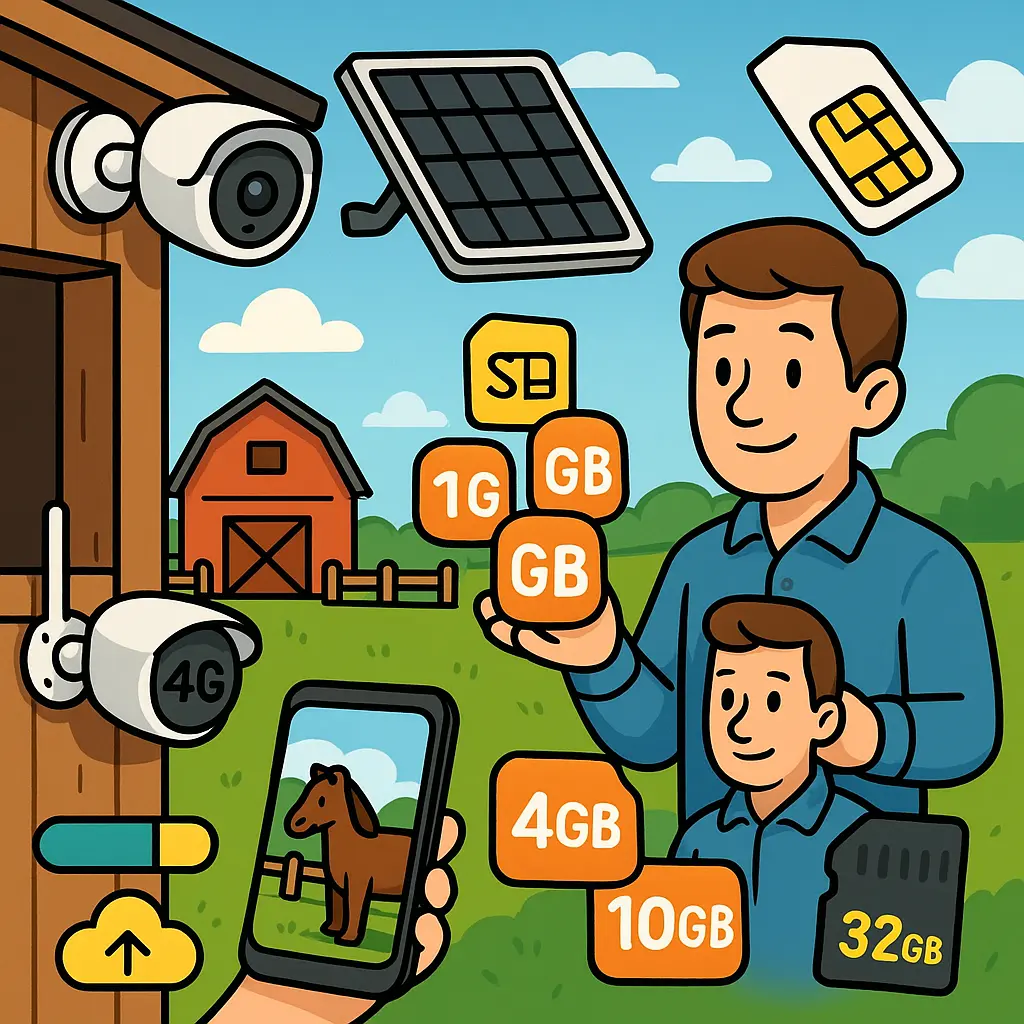
Recommended models and UK pricing at a glance
For UK yards without Wi‑Fi, pick the Reolink Go PT Plus for best all‑round performance, budget around £159.99 for the camera only, or consider a ~£399 “camera + solar + long‑term data” bundle if you prefer a single purchase. The Go Plus/Go Ultra models deliver higher resolution but use data faster when you stay in main‑stream HD (EIOTCLUB data guide).
As we’ve seen:
- Go/Go PT: ~1GB per hour in clear mode; ~10 hours per GB in smooth mode. Basic users often manage on ~1GB/month.
- Go Plus/Go Ultra: ~45 minutes per GB (clear mode); ~3.5 hours per GB (smooth mode). Plan closer to 2GB/month or more for regular checks.
- Go PT Plus (popular on UK yards): Around 2GB/month is usually sufficient for “normal” use with sub‑stream for routine viewing.
Package options: EIOTCLUB’s 5‑year unlimited 4G plan with a free Go PT Plus, solar panel and pre‑installed SIM comes in at £399 (~£7/month over five years), while conventional UK carriers like EE, O2 and Three offer pay‑monthly or annual data‑only plans if you already own the camera (EIOTCLUB bundle review; Horse & Hound Forum).
From our experience supporting UK horse owners, the winning formula is: a Go PT Plus + solar + 2–4GB/month + large microSD + sub‑stream for routine checks. It’s dependable, cost‑efficient and simple to maintain.
Your yard‑ready checklist
Before you leave the tack room, run through this 10‑minute checklist to ensure your cameras and your yard routine are winter‑proof and data‑smart:
- SIMs: One nano data‑only SIM per camera; note each phone number/ICCID on the camera’s serial label.
- Carriers: Confirm LTE bands (B1/B3/B7/B8/B20) and local signal for EE/O2/Three/Vodafone; test with a temporary SIM if unsure.
- APN: Enter the APN manually in the Reolink app; double‑check for extra spaces or typos.
- Data plan: Start at 2–4GB/month per camera; set usage alerts in your carrier app at 75%/90% usage.
- Streaming: Set sub‑stream as your default live view; use clear mode only for detail checks.
- Recording: Fit a quality microSD (up to 128GB on Go PT Plus); enable motion clips and sensible PIR windows to reduce false alerts.
- Power: Mount solar panels high and south‑facing; clean lenses and panels monthly.
- Mounting: Aim cameras to cover doors, foaling boxes and feed stores; avoid backlighting from open barn doors.
- Security: Use strong passwords in the Reolink app; apply firmware updates promptly.
- Personal kit: Night checks go smoother with supportive yard boots, warm layers, and a grab‑and‑go grooming kit for quick touch‑ups before transport.
Pro tip: Keep a few high‑value treats in your pocket for quick, calm handling during checks — our selection of horse treats is yard‑friendly and great for positive reinforcement.
Expert guidance and where to get help
Reolink’s own resources are worth bookmarking. Start with the official SIM selection guide and the data usage article for authoritative, model‑specific details (SIM card guidance; data usage). Their advice on country‑specific carriers is straightforward:
“Various countries/regions have different carriers available. Please visit the Reolink product specifications page and enter your country or region to check the corresponding recommended carriers. If your country is not on the list or the recommended carrier is unavailable in your area, please contact Reolink Support for help.” — Reolink Support Team
At Just Horse Riders, we also track what works on British yards day‑to‑day. Our customers tell us the Go PT Plus with a 2–4GB plan, sub‑stream default and a good solar set‑up keeps foaling boxes and isolation stables covered without surprise data bills. While you’re optimising your set‑up for winter, it’s a good time to refresh yard essentials — from warm stable rugs to supplement staples for condition and calmness in cold weather (supplements and horse care) — so your horses stay as comfortable as your cameras are reliable.
Prefer premium finishes for your matchy‑matchy kit? Explore seasonal colours and yard‑worthy layers from LeMieux to keep you smart and practical on late checks and early turnouts.
Conclusion
Choose a nano, data‑only UK SIM (one per camera), budget 2–4GB monthly for routine checks, and default to sub‑stream to keep data lean. Add solar and a large microSD for winter reliability, and you’ll have dependable, always‑on eyes across the yard without needing fixed broadband.
Set your cameras up this week, and then turn your attention to making winter yard life easier with warm layers, safe footing and the right rugs and supplements — we’re here to help, from tech tips to tack room essentials.
FAQs
Can I use a standard smartphone SIM card in my Reolink stable camera?
Yes — as long as it’s a nano, data‑only SIM that isn’t device‑locked. Insert it, then manually enter your carrier’s APN in the Reolink app. Test with a spare phone SIM first if you’re unsure (Reolink Community).
How much data will I use if I check my camera a few times each night?
In sub‑stream, three 10‑minute checks a night use roughly 50MB/day (~1.5GB/month). In main‑stream HD, the same habit can exceed 15GB/month. Default to sub‑stream for routine viewing (EIOTCLUB data guide).
Does recording to the SD card use my SIM data?
No. Local SD recording is offline and uses zero data. Data is only consumed when you live view, upload to the cloud, or remotely retrieve recordings (Reolink Support).
What SIM plan should I buy for a UK stable camera?
For light, occasional checks: 2–4GB/month per camera on a prepaid plan. For frequent monitoring: 6–10GB/month. EE, O2 and Three all offer compatible data‑only plans; EE’s 120GB annual pack is reported around £60/year. Long‑term IoT bundles like EIOTCLUB’s 5‑year “unlimited” plan run about £399 with camera and solar included (Horse & Hound Forum; EIOTCLUB SIM guide).
Do I need a separate SIM for each camera on my yard?
Yes. Each Reolink 4G camera needs its own dedicated SIM; you can’t share a SIM between devices. For multiple cameras, look for multi‑SIM or family accounts to simplify billing (Reolink Support).
How do I know if a SIM will work before buying a full plan?
Check Reolink’s country‑specific carrier list, confirm LTE bands (B1/B3/B7/B8/B20 in the UK), and, if possible, test with a temporary nano SIM at the retailer. Manually enter the APN and ensure there are no extra spaces in the field (Reolink Support).
What’s the best camera choice for UK yards without Wi‑Fi?
The Reolink Go PT Plus offers the best balance of image quality, battery life and data efficiency for most UK yards. Pair it with a solar panel, 2–4GB/month data plan and a 64–128GB microSD card for reliable, low‑maintenance monitoring (Just Horse Riders guide).