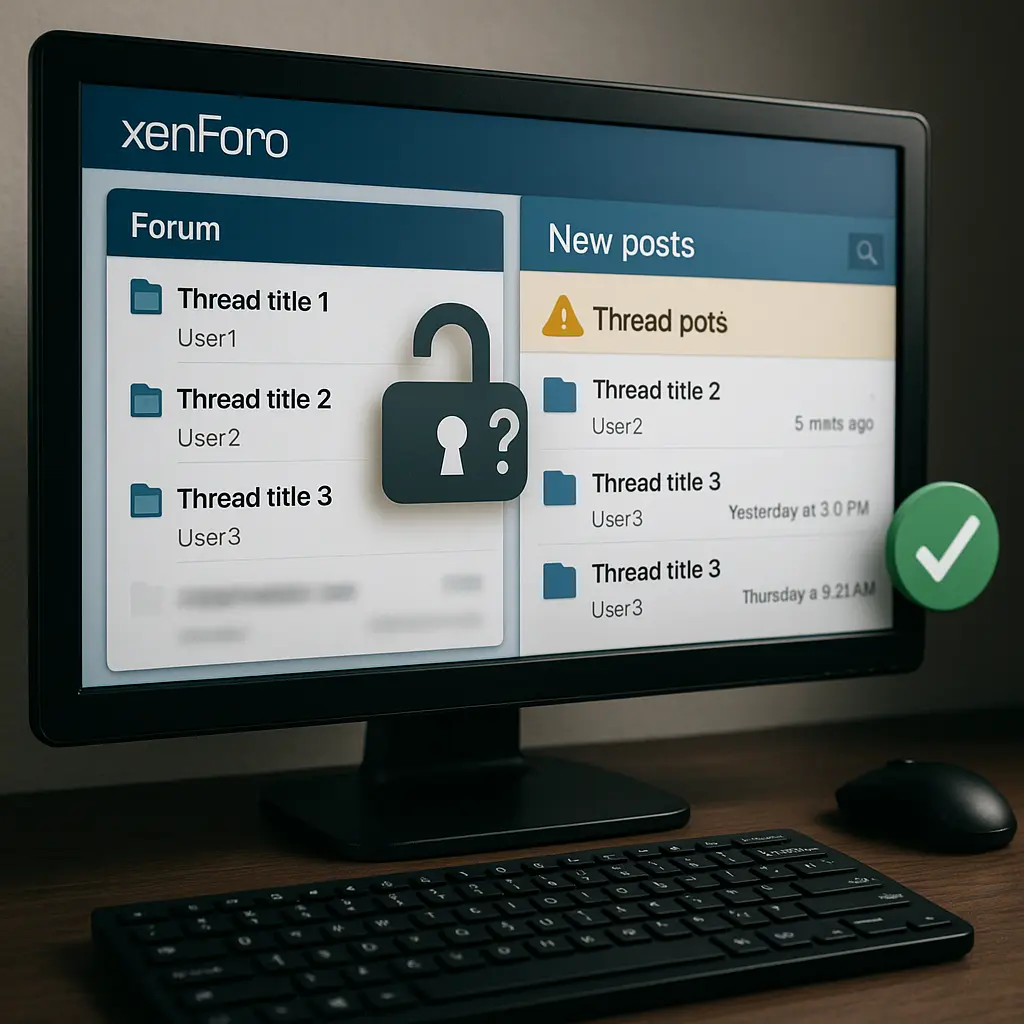

Running a yard or riding club forum is brilliant for organising hacks, shows and day‑to‑day yard life — until posts show in “Latest posts” but vanish from the forum list. If you’re using XenForo and seeing this mismatch, you can fix it in minutes with the right settings.
Key takeaway: In XenForo, mismatched node permissions and a disabled “Include in New posts” setting are the two main reasons threads show in What’s new but not in forum lists — fix both and rebuild caches.
Quick diagnosis: why posts appear in Latest posts but not forums
The immediate cause is almost always a node permission mismatch (“View threads” allowed but “View content” denied) or the node is excluded from New posts. When these don’t line up, threads surface in What’s new but not consistently in forum views.
XenForo resolves What’s new (Latest posts) via a search that can include threads your users technically “see” but can’t open, while individual forum lists rely on node‑level visibility. If a group can “view threads” but not “view content”, they may spot titles in some places but can’t access the content or consistently see the thread within node listings.
“If a permission allows viewing of threads, but not viewing of content, there users sees the threads as expected in the forum view thread list.” — XenForo Community user. Source
Equally, a node can be excluded from the New posts search. That means your carefully written clinic announcement may never appear in What’s new for members who rely on it.
Fix permissions correctly (the 2 settings that must match)
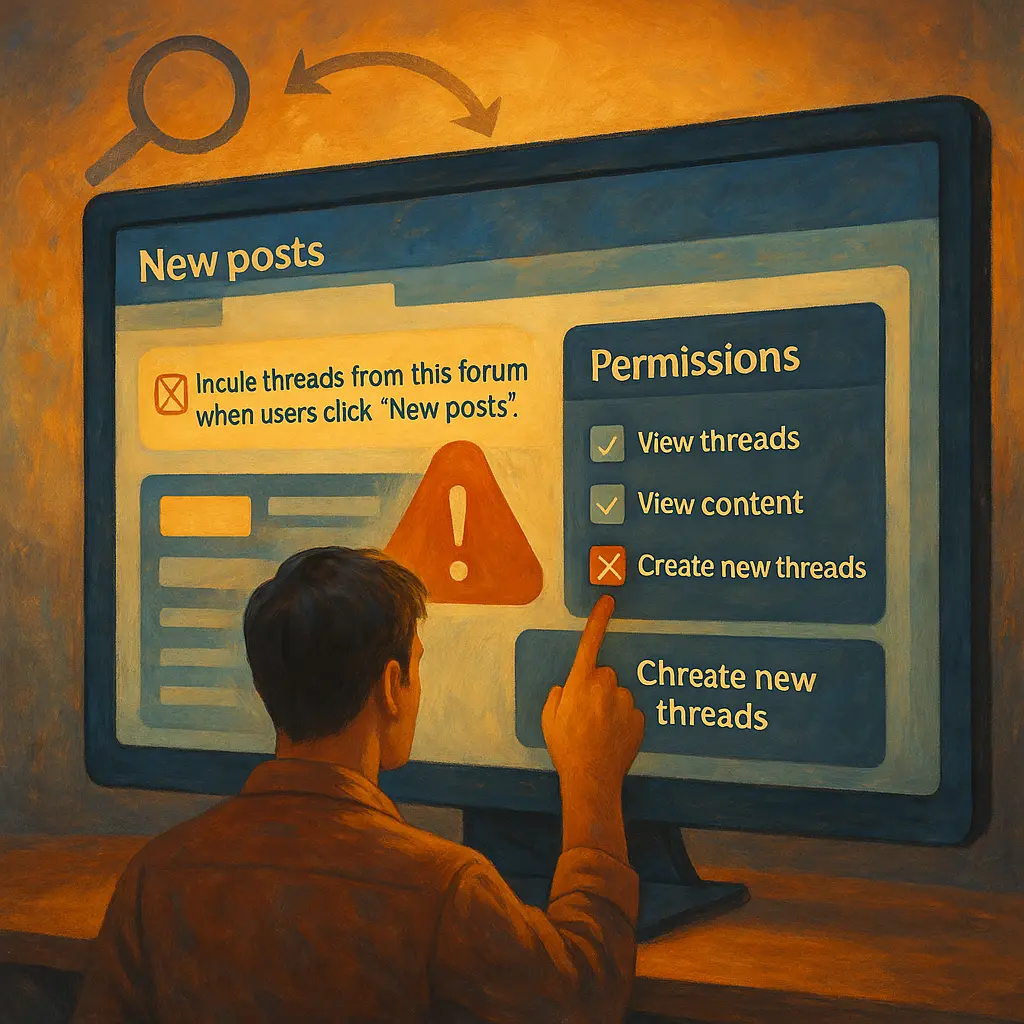
Enable both “View threads” and “View content” for the same user groups on the affected node. If one is allowed and the other is denied, users get mixed visibility and missing threads in forum lists.
Step-by-step (Admin CP):
- Go to Forums > Nodes > [Your forum] > Permissions.
- For each relevant group (e.g., Registered, Staff, Members), set:
- View node: Allow
- View threads: Allow
- View content: Allow
- Align permission inheritance so a Deny higher up isn’t cancelling an Allow lower down.
- Click Save.
- Go to Tools > Rebuild caches and run the relevant rebuild (search and forum data) to refresh visibility.
Quick tip: Test with a non‑admin account after changes. Admins and moderators often bypass restrictions, so what you see is not what your members see.
At Just Horse Riders, we recommend keeping permission models simple: most community confusion arises from over‑granular, conflicting settings.
Make sure the node is included in New posts
Turn on “Include threads from this forum when users click ‘New posts’” in the affected node’s settings. Without this, threads won’t appear in Latest posts even if permissions are correct.
This simple checkbox is easy to miss on busy nodes created in a rush. Confirm it for every forum you want members to follow via What’s new.
“Obvious question, but is Include threads from this forum when users click ‘New posts’ enabled in the settings for that node?” — XenForo Community Staff. Source
Pro tip: For private sub‑committees (e.g., show team planning), explicitly exclude those nodes from New posts to keep public feeds tidy — but keep inclusion enabled for general announcements and ride‑outs so nobody misses key info.

Understand caching: why refreshing doesn’t show new activity
Refreshing the Active threads or New posts page won’t pull fresh results; you need to click the New posts link again to trigger a new search. This is normal caching behaviour in XenForo 2.3.
That means a browser refresh (F5/Cmd‑R) can leave you staring at older results, even though members have posted updates about tonight’s yard meeting. Train your moderators and regulars to click New posts rather than rely on refresh if they’re expecting something new to show. It prevents duplicate “Where’s my post?” messages in your help section. Learn more from the XenForo community.
Common gotchas: soft-deletes, moderation queues, and super admin traps
Soft‑deleted or moderated posts, and node‑specific posting restrictions, can hide content from standard forum views while leaving traces elsewhere for users with higher permissions. Clear these before you chase permission ghosts.
- Moderation queue: Check that a “missing” thread isn’t awaiting approval. Moderators may see it; regular members won’t.
- Soft delete vs hard delete: Soft‑deleted content can sometimes appear to privileged users but not the general membership.
- Per‑node posting rights: If an admin can’t post a new thread, verify “Create new threads” is allowed in that specific node for that user’s primary and secondary groups.
- Stale permissions: After sweeping changes, rebuild caches and ask the affected user to log out/in once — this clears stored permissions.
Quick tip: Keep an audit log for moderator actions during busy show weeks. It’s easier to explain visibility quirks when you know what was moved, merged, or soft‑deleted.
Safely test with real user groups
Create or borrow test accounts for Guest and Registered users to confirm what ordinary members see. Admin accounts often mask problems due to elevated rights.
How to test fast:
- Open a private/Incognito window and browse as a Guest: confirm that only public announcements and sales boards appear if that’s your intent.
- Log in with a plain “Registered” test account: check that What’s new and the actual forum lists match.
- Use XenForo’s permission analyser on tricky nodes, reviewing effective permissions for the test user.
- Repeat after any change and after a cache rebuild.
Once it’s stable, document your forum’s “golden settings” so future committee members can keep things aligned without guesswork.

Run a smooth yard community: simple forum structure that works
Keep your yard forum simple: 6–8 clear nodes with consistent permissions prevent visibility bugs. The fewer exceptions you have, the fewer issues you’ll chase.
Suggested structure that works for most UK yards and riding clubs:
- Announcements & Yard News (public to members; included in New posts)
- Rides & Routes (included in New posts, encourage safety kit reminders)
- Rugging & Weather Alerts (included in New posts, seasonal)
- Clinics, Shows & Training (included in New posts)
- Buy/Sell/Swap (optional inclusion)
- Horse Health & Management (members only)
- Committee/Staff Area (excluded from New posts)
Link your digital organisation to real‑world readiness. For example:
- Rides & Routes: Pin a checklist for reflective gear and helmets. Point members to our rider hi‑vis collection and certified riding helmets before dusk hacks.
- Rugging & Weather Alerts: When temperatures drop and the wind turns north‑easterly, include practical links to winter turnout rugs and warm stable rugs so owners can act quickly.
- Clinics & Shows: Keep a packing list with smart competition clothing and well‑fitting jodhpurs & breeches for a polished ring‑side look.
- Horse Health & Management: Curate a starter guide to evidence‑led supplements and everyday grooming essentials for coat condition.
- Buy/Sell/Swap: Encourage responsible second‑hand trading and highlight our Secret Tack Room clearance for bargain‑hunters.
At Just Horse Riders, our customers often use their yard forums to coordinate seasonal care. Keeping those nodes visible in What’s new means fewer missed updates on rugs, hoof boots and fly control.
Kit checklist for real-world meetups your forum organises
For group hacks, shows, or clinics you advertise online, prepare core kit that keeps riders safe and horses comfortable. A tidy forum thread plus the right gear equals smooth outings and fewer last‑minute scrambles.
- Safety first for hack meetups:
- High‑visibility layers for short days: our curated hi‑vis range covers vests, jackets and exercise sheets.
- Well‑fitting, up‑to‑standard headgear: browse certified riding helmets with modern ventilation for year‑round comfort.
- Leg protection for varied terrain: choose supportive horse boots & bandages for schooling or stony bridleways.
- Seasonal comfort:
- Wet and windy forecast? Layer with dependable turnout rugs from trusted brands like WeatherBeeta and Shires.
- Stable overnights after a clinic: keep muscles warm in breathable stable rugs.
- Summer swish season: reduce irritation on warm evenings with breathable fly rugs and thoughtful aftercare from LeMieux and NAF.
- Turnout‑ready appearance:
- Smart layers for shows or demos: pick from our competition clothing and comfortable breeches.
- Morale boosters:
- Pack horse treats for positive reinforcement and post‑ride rewards.
- For yard celebrations and Secret Santa, check our seasonal equestrian gifts.
Quick tip: Add this checklist to a pinned forum post and link it whenever you announce a ride or clinic. Consistency reduces no‑shows and gear mishaps.
Recap and next steps
Fix visibility first with matching “View threads” and “View content” permissions, then enable “Include in New posts” on the node, rebuild caches, and test with real user accounts. Keeping a simple forum structure with minimal exceptions prevents these problems from returning.
While you keep your digital noticeboard running smoothly, we’ll help you prep for the British seasons with reliable kit — from reflective layers and helmets for dusky hacks to weather‑proof turnout rugs when the mercury dives.
FAQs
Why do threads show in “New posts” but not in the forum list?
Because the node’s permissions or inclusion settings are misaligned. Most commonly, “View threads” is allowed but “View content” is denied, or the node is excluded from New posts. Correct both and rebuild caches.
Which specific permissions cause the mismatch?
“View threads” and “View content” at the node level. They must be set consistently for each user group that should see and read the threads.
Refreshing “Active threads” doesn’t show new activity. Is that a bug?
No. In XenForo 2.3, you need to click the New posts link to run a fresh search; a simple browser refresh won’t update the results. See community discussions on xenforo.com.
How do I include or exclude a forum from New posts?
In Admin CP > Forums > [Node] > Settings, enable or disable “Include threads from this forum when users click ‘New posts’.” Enable for general yard areas; disable for private committee sections.
Why can admins see or post where members cannot?
Admins and moderators often have elevated rights that bypass normal restrictions. Always test with a standard Registered user to verify real‑world visibility and posting ability.
Do I need to rebuild caches after permission changes?
Yes. After adjusting node permissions or inclusion settings, go to Tools > Rebuild caches to ensure search and listings reflect your changes.
Could moderation or soft deletes cause posts to “disappear”?
Yes. Soft‑deleted or unapproved posts won’t appear to regular members. Check the moderation queue and recent moderator actions before changing permissions.